
How to Use a Boutiq Switch
The Boutiq Switch line includes draw-activated and button-operated disposable vapes, as well as 510-threaded cartridges. To use a Boutiq Switch, remove the silicone caps, power on the device—usually with five rapid clicks if it has a button—select your strain chamber, and inhale steadily.
Discover Our Great Products
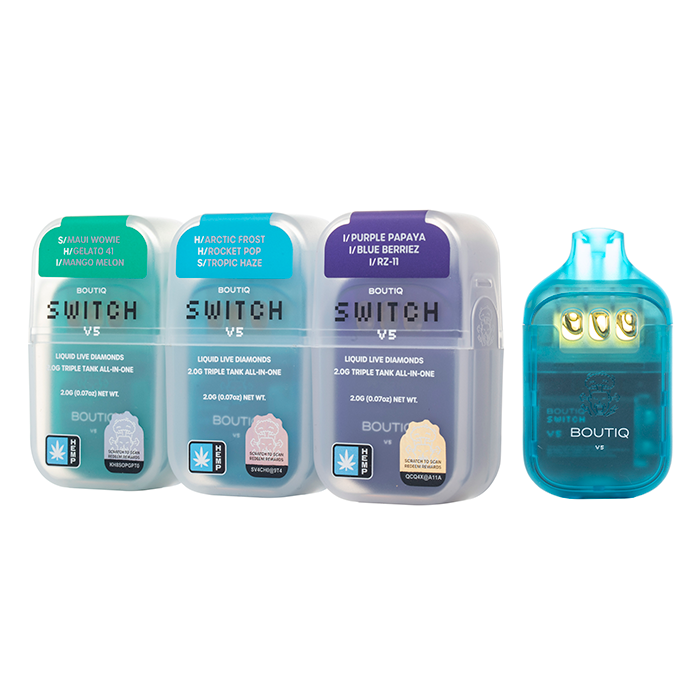
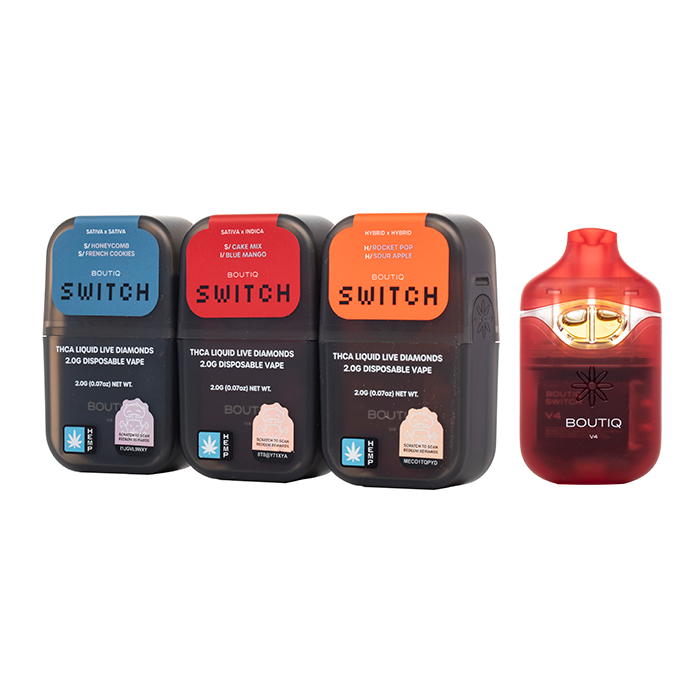
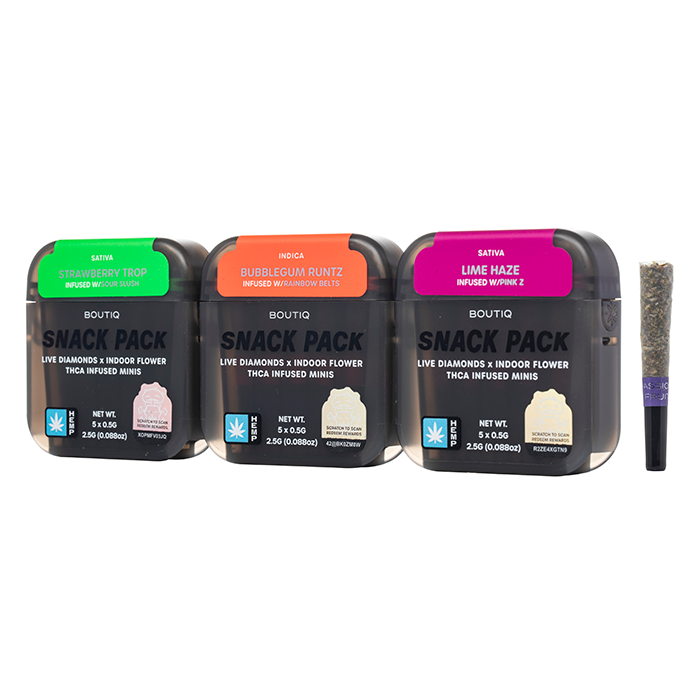
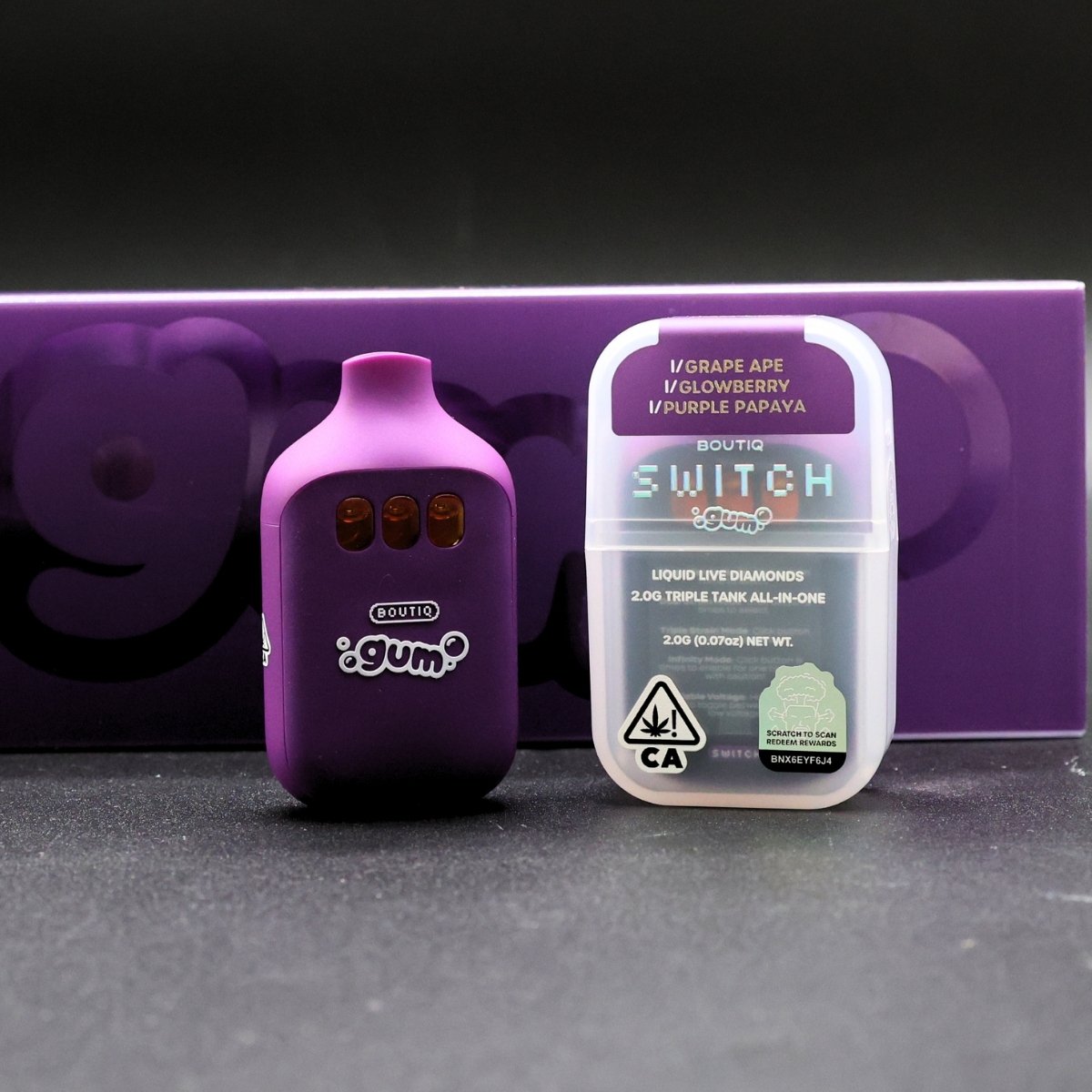
Quick answer
Unbox and inspect: Remove all silicone caps and stickers from the mouthpiece and base. Check the packaging against the Real vs. Fake guide before use.
Power on: If your device has a button, press it five times rapidly to turn it on boutiqswitchv5.com. If it is purely draw-activated, simply begin to inhale.
Select your tank: Use the physical switch or button to choose a strain chamber. On the V5, use the selector to navigate the three tanks deltacloudz.com. On the V4, press the button to toggle between the two tanks or combine them greatcbdshop.com.
Inhale: Draw steadily for 3 to 5 seconds. The LED indicator will light up.
Power off: Press the button five times rapidly to turn the device off and preserve battery life boutiqswitchv5.com.
Step by step: How to use a Boutiq Switch V5
The Boutiq Switch V5 is a triple-chamber disposable that holds 2 grams of oil across three tanks boutiqswitchv5.com. It features adjustable voltage, preheat, and Infinity Mode.
Step 1: Power on the device
Press the main button five times rapidly to turn the V5 on boutiqswitchv5.com. The LED indicator will flash to confirm the device is awake.
If the light does not respond, the battery may be completely drained. Connect it to a low-output USB-C cable and charge for 15 minutes before trying again.
Step 2: Select your tank
Use the physical selector switch to route power to one of the three chambers, or position it in the middle to blend the strains. The V5’s triple-tank design lets you alternate between different extracts without mixing them in the chamber.
Step 3: Adjust voltage and preheat
Press the button three times to cycle through the voltage settings. The LED colour will change to indicate the heat level; see the Voltage Guide for exact temperatures.
Press the button two times to activate the preheat function, which warms thick oil before a draw.
Step 4: Inhale and monitor the blinker
Draw steadily. The device will cut power and the LED will blink after 8 to 10 seconds to prevent overheating. This is called a blinker; see the Blinkers guide for what the patterns mean.
Step 5: Power off
Press the button five times rapidly to turn the V5 off boutiqswitchv5.com. This prevents accidental firing in your pocket and preserves the battery between sessions.
[FIRST-HAND: test the exact click sequences for power, voltage, preheat, and Infinity Mode on a physical V5 and record the exact LED confirmation colours here.]
Step by step: How to use a Boutiq Switch V4
The Boutiq Switch V4 is a dual-chamber disposable with an LED display that tracks battery life, oil level, and blinker count.
Step 1: Power on
Press the button five times rapidly to wake the device. The LED display will illuminate, showing the current battery percentage.
Step 2: Switch or blend tanks
Press the switch button once to toggle between the two tanks, or hold it to combine both for a custom hit greatcbdshop.com. The display will indicate which chamber is currently active.
Step 3: Draw and monitor
Inhale steadily. The V4’s display updates in real time to show oil depletion and battery drain.
How to turn on a Boutiq cart
Boutiq carts are 510-threaded cartridges that require a separate, compatible vape battery. The cartridge itself does not have a power button; the battery controls the power.
Attach the cart: Screw the Boutiq cart onto a fully charged 510-thread battery. Do not overtighten, as this can damage the connection pin.
Turn on the battery: Press the battery’s power button five times rapidly. This is the industry standard for 510 batteries.
Set the voltage: Keep the battery at a low voltage, typically 2.4V to 3.2V, to avoid burning the live resin or liquid live diamonds.
Inhale: Press and hold the battery button while drawing, or inhale if your battery is draw-activated.
Turn off the battery: Press the battery button five times rapidly when finished.
If that doesn’t work
If your Boutiq Switch or cart is not producing vapour after following these steps, the issue is usually a clogged airway, a dead battery, or a connection fault.
Device blinks but no vapour: The battery might be dead, or the blinker cutoff is triggering immediately. Charge the device via USB-C and try again.
Cart tastes burnt: The voltage on your 510 battery may be too high. Lower it to 2.4V.
No airflow: The airway may be clogged with cold oil. Use the preheat function, or warm the device in your hands for a few minutes.
For a complete list of fixes ordered from cheapest and safest to most involved, see the Troubleshooting guide.
When to stop and replace it
Stop using the device and replace it if:
The battery will not hold a charge after multiple USB-C charging cycles
The LED indicator blinks continuously without a draw, indicating a hardware fault
The oil tastes burnt or metallic even at the lowest voltage setting
The device shows physical damage, swelling, or leaking from the battery housing
Never attempt to open, puncture, or heat the battery housing. Follow established lithium-ion battery safety guidance and dispose of dead units at a designated e-waste or battery recycling facility.
Frequently asked questions
How to use a boutiq switch v5?
To use a Boutiq Switch V5, turn it on with five rapid clicks, use the physical selector to choose one of the three tanks, and inhale steadily. You can adjust the voltage with three clicks and activate preheat with two clicks.
How to turn off a boutiq switch v5?
Press the main button five times rapidly to turn off the Boutiq Switch V5 boutiqswitchv5.com. This prevents accidental firing in your pocket and preserves the battery.
How to turn on a boutiq cart?
Boutiq carts do not have their own power button. You turn them on by screwing them into a compatible 510-thread battery and pressing the battery’s power button five times rapidly.
How to work a boutiq v5?
Working a Boutiq V5 involves managing its button sequences: five clicks for power, three clicks for voltage, two clicks for preheat, and the physical slider for tank selection. The LED indicator confirms each action.
Is the Boutiq Switch draw-activated or button-activated?
The Boutiq Switch line uses a hybrid system. Basic draws are often draw-activated, but advanced features such as voltage adjustment, preheat, Infinity Mode, and power on/off require physical button presses.
These statements have not been evaluated by the Food and Drug Administration. These products are not intended to diagnose, treat, cure, or prevent any disease.
BTQ V5 (btq-v5.com) is an independent informational resource and enthusiast guide. We are not affiliated with, endorsed by, sponsored by, or officially connected to Boutiq or its parent companies. See Legal & Compliance for full disclosures.